A day in the life of an Optimizely OMVP: Optimizely CMS 13 Is Here: The Features, The Add-Ons, and What's Coming Next
CMS 13 went GA on 31st March 2026, and after months of previews, webinars, and internal engineering sessions, it's finally real. I've been deep in this release since the first preview dropped, both preparing our clients and getting our own internal readiness in order. Now that the dust is settling, I wanted to put together a comprehensive look at what's actually shipped, what the community has built around it, and what's on the horizon.
Graham Carr
Author
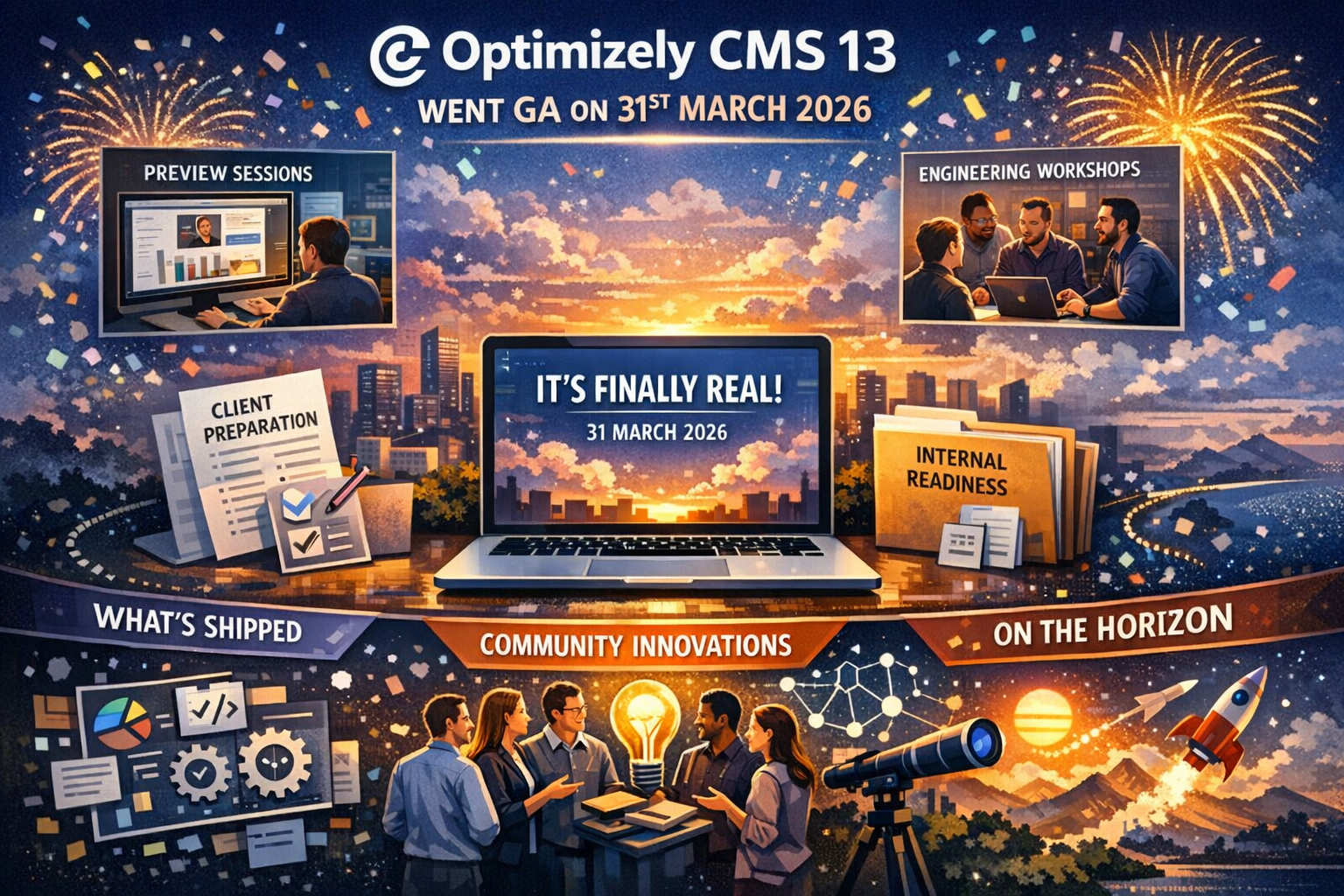
CMS 13 went GA on 31st March 2026, and after months of previews, webinars, and internal engineering sessions, it's finally real. I've been deep in this release since the first preview dropped, both preparing our clients and getting our own internal readiness in order. Now that the dust is settling, I wanted to put together a comprehensive look at what's actually shipped, what the community has built around it, and what's on the horizon.
This isn't a rehash of the release notes. If you want those, Optimizely's support site has you covered. What I want to do here is give you a practical, grounded view of what matters — and why.
The Platform Foundations Have Shifted
Before we get into individual features, it's worth understanding the architectural shift that underpins everything in CMS 13. This release isn't just a version bump. It's the moment PaaS catches up to where SaaS has been for over a year.
Optimizely Graph and Opti ID are now mandatory components. That ambiguity from the preview period — where Graph was technically opt-in — is resolved. Graph is the platform. Content Manager, External Content, RAG for Opal, GEO, semantic search — they all run through Graph. If you've been putting off getting your team comfortable with Graph, CMS 13 is the forcing function.
The move to .NET 10 brings the expected performance, security, and long-term support benefits. And importantly, Search & Navigation is gone. It's not deprecated-but-still-works. It's not available in CMS 13. If your site relies on Find, you need a migration plan — and I'll talk about why that's less scary than it sounds in a moment.
The Headline Features
Visual Builder
Visual Builder replaces On-Page Edit as the default editing experience. This has been the flagship feature of the SaaS story for a while, and it's now fully part of PaaS.
For editors, it's a genuine step change. You get a unified interface for pages, blocks, experiences, and media — with autosave, interactive property highlighting, synchronised preview, and drag-and-drop layout composition through Experiences and Sections. The practical impact is that marketing teams can build and publish content without raising a dev ticket for layout changes.
For developers, the good news is that CMS 13 ships with ASP.NET MVC tag helpers for Visual Builder. You can render content server-side without depending on Graph for delivery. That's meaningful reassurance for PaaS teams who aren't ready to go fully headless.
Content Manager
Content Manager is the new editorial hub for finding, filtering, and organising content. It's powered by Graph, which gives you customisable views, a details panel, grid view for media, and the ability to load content from both CMS and external content sources. It's a significant upgrade from the old content tree experience for sites with large volumes of content.
Content Variations
This one is quietly important. Content Variations let you maintain multiple published variations of the same content item in the same language. Each variation has its own version history and publishing lifecycle. You can promote changes from a variation back to the original. And they're all indexed to Graph.
The practical use case here is experimentation and personalisation without duplicating pages. If your clients are running A/B tests or need to serve different content to different audiences, this is the built-in mechanism for doing it properly.
The Graph C# SDK
This deserves its own call-out because it fundamentally changes the migration story. When Search & Navigation was deprecated, the biggest concern from developers wasn't about Graph being better or worse — it was about having to learn GraphQL from scratch and rewrite years of fluent query patterns.
The Graph SDK (Optimizely.Graph.Cms.Query) intentionally mirrors Search & Navigation's patterns. Where() replaces Filter(), SearchFor() replaces For(), Limit() replaces Take(). It's a C# fluent API that feels familiar from day one. There's caching support, strongly-typed results, and a .ToGraphQL() method that lets you inspect the generated queries — invaluable during migration.
If you've been dreading the Find-to-Graph migration, this SDK is the reason to stop worrying and start planning.
Applications Model
Site Definitions are gone. CMS 13 introduces the Applications model, which distinguishes between in-process websites (Website class) and headless applications (RemoteWebsite class). There's automatic migration of existing SiteDefinition settings on upgrade, but if you have add-ons or custom code that keys off SiteDefinition.Id, you'll need a migration strategy — the new model uses immutable name-based identifiers rather than GUIDs.
Content REST API
CMS 13 includes a full REST API for content modelling, content management, and more — included by default through AddCms(). This opens up the platform for headless delivery patterns, external tooling integration, and automation workflows that weren't straightforward before.
The AI Layer: Opal and GEO
Opal Chat and Tools
CMS 13 ships with the Optimizely.Cms.OpalChat 2.0.0 NuGet package, bringing Opal Chat and a comprehensive set of tools directly into the CMS. These aren't bolt-ons — they're part of the standard editing experience.
The tool set is extensive: content type management, content creation and publishing, SEO analysis and editing, GEO analysis and schema optimisation, content preview URL generation, and content variation creation. Opal can now interact with your CMS content programmatically — listing content types, creating items, publishing, and applying structured data markup.
For clients who've been asking "can the CMS help us write better content?" or "how do we show up in ChatGPT results?" — this is the first time there's a concrete, built-in answer.
Generative Engine Optimisation (GEO)
GEO is the feature that I think will age the best. As AI-powered search becomes a genuine traffic source — ChatGPT, Perplexity, Google AI Overviews, Claude — the ability to optimise content for LLM discoverability is becoming a real concern for clients.
CMS 13 includes a GEO Auditor agent that audits pages for AI search readiness, covering crawler accessibility, Core Web Vitals, schema markup, content structure, and citation readiness. The paas_cms_geo_analysis and paas_cms_geo_apply tools let Opal perform audits and apply JSON-LD schema templates directly to content.
There's also a GEO Analytics dashboard in Optimizely Reporting for tracking AI platform traffic. This is the kind of feature that marketing teams don't know they need yet — but will very soon.
Optimizely Forms for CMS 13
One that landed just yesterday and is worth highlighting: Optimizely Forms is now available for CMS 13. The documentation has been published on the Optimizely developer docs site, and the package is ready to go.
This is significant because Forms is one of those packages that almost every Optimizely implementation relies on. During the preview period, it was one of the most common questions I heard from partners and clients: "When will Forms be ready for CMS 13?" The answer is now.
For those on the SaaS side, Conditional Forms have already shipped — allowing you to configure rules that dynamically show, hide, enable, or disable form fields based on the values of other fields, directly in the form builder UI. It supports AND/OR logic and multiple comparison types. This is the kind of feature that PaaS customers can expect to follow, and it's a meaningful step towards reducing the amount of custom JavaScript that teams have traditionally written to handle dynamic form behaviour.
There's also been work on the Forms integration with Optimizely Graph, including smooth deployment support that preserves form data during Graph index rebuilds. If you're running Forms on a Graph-enabled CMS 13 site, that's an important stability improvement.
Multi-step forms are on the published roadmap too, which will unlock more complex content workflows and user experiences directly within the CMS. For clients with lengthy application forms, onboarding flows, or multi-stage data capture requirements, this is one to watch.
Community Add-Ons: Already Shipping for CMS 13
One of the things I love about the Optimizely community is how quickly the ecosystem responds to a major release. Several key add-ons already have CMS 13 support.
Stott Security v7
Mark Stott delivered on his promise of a day-one release. Stott Security v7 is now available for CMS 13, introducing support for configuring security headers by application — aligning with the new Applications model. If you've been using Stott Security on CMS 12 (and with over 115,000 downloads, many of you have), the upgrade path is ready.
It's worth noting that Mark shipped v4 and v5 earlier this year for CMS 12 as well, adding security.txt management, rebuilt Response Headers with full extensibility, configurable audit retention, and granular settings import. The pace of development on this add-on has been remarkable.
Stott Robots Handler
Also CMS 13 compatible, with support for managing robots.txt and llms.txt content on a per-application basis. The Opal Tools integration that shipped in v6 carries forward, meaning you can manage your search visibility and AI indexing configurations through Opal directly. Given how important llms.txt is becoming for AI discoverability, having this managed through the CMS admin interface — rather than requiring code deployments — is genuinely useful.
Epicweb AI Assistant
The Epicweb AI Assistant (v3.0+) now supports both CMS 12 and CMS 13, bringing a conversational AI chat experience directly into the editing interface. It's context-aware — understanding the page, block, or asset you're working on — and supports SEO, AEO, GEO analysis, translation, accessibility checking, and content optimisation.
What makes it interesting is the bring-your-own-AI approach. You can connect it to OpenAI, Azure OpenAI, Google Gemini, Anthropic Claude, or any LLM with a REST API. It also supports custom tools and MCP integration, so you can extend it with project-specific actions. For teams that want AI assistance in the editor without being locked to Optimizely's Opal, this is a strong option.
Redirect Manager 6.4
Luc Gosso's Redirect Manager shipped v6.4 with import, export, and search capabilities. For sites managing large numbers of redirects — especially during migrations — these are quality-of-life improvements that make a real difference.
What's on the Roadmap
Optimizely has been relatively open about what's coming next. Based on the published roadmap and recent communications:
- Visual Builder enhancements — multi-layout support, blueprint editing, and content model locking
- Content Manager improvements — better filtering, navigation, and multi-select
- Taxonomy and tagging — structured tagging for better content organisation and discoverability
- Multi-step forms — more complex content workflows directly within the CMS
- Opal Tools expansion — extending what agents can do, from content actions to real-time preview
- MCP server for CMS — translating designs into CMS-ready frontend components
- Commerce 15 — CMS 13 compatibility for Commerce is coming but isn't GA yet although there is a pre-release version.
The JavaScript SDK has also gone GA, providing a React-ready solution for modelling, fetching, and rendering CMS content. If you're building headless frontends, this is worth exploring.
What This Means Practically
If you're on CMS 12 and wondering when to move: the answer is "start planning now." Graph and Opti ID are prerequisites, and both benefit from early adoption rather than last-minute scrambling. The Graph SDK has dramatically reduced the Search & Navigation migration burden, and the upgrade itself is far less invasive than the 11-to-12 journey.
If you're still on CMS 11: the path runs through CMS 12 first, though direct upgrades to CMS 13 are possible. Either way, the clock is ticking on CMS 11 support, and CMS 13 is clearly where the platform's investment and innovation are focused.
The community has moved fast. The key add-ons are ready. The tooling is maturing. And the features that shipped in CMS 13 aren't experimental — they've been running in production on SaaS for over a year.
#Optimizely #CMS13 #DXP #DigitalExperience #OptimizelyGraph #Opal #GEO #VisualBuilder